Login to George Business

Last Article Update 11.03.2025

How to access George Business

To access the George Business login page on your computer, click the following link:

What you need to log in

  • Your login credentials, created with your Česká spořitelna Banking IDentity.
  • A mobile phone with the George Business mobile application activated.
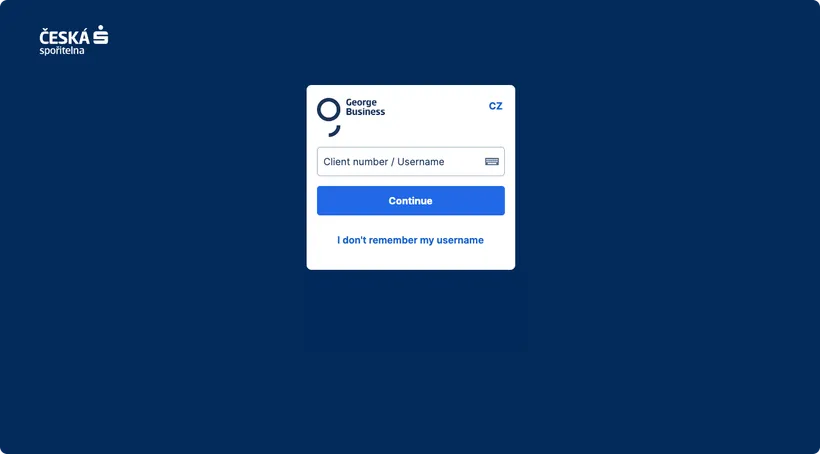
How to log in to George Business on your computer

  1. Open the George Business application in your web browser.

  2. On the login page, enter your username and your date of birth (day and month).

  3. Open the George Business application on your phone and confirm the login request, either by entering your PIN or using biometric authentication.

  4. Select the workspace where you need to work. (If you have only one workspace, this step is automatically skipped.)

  5. You will then see the main overview of your internet banking.

George Business login screen George Business login screen